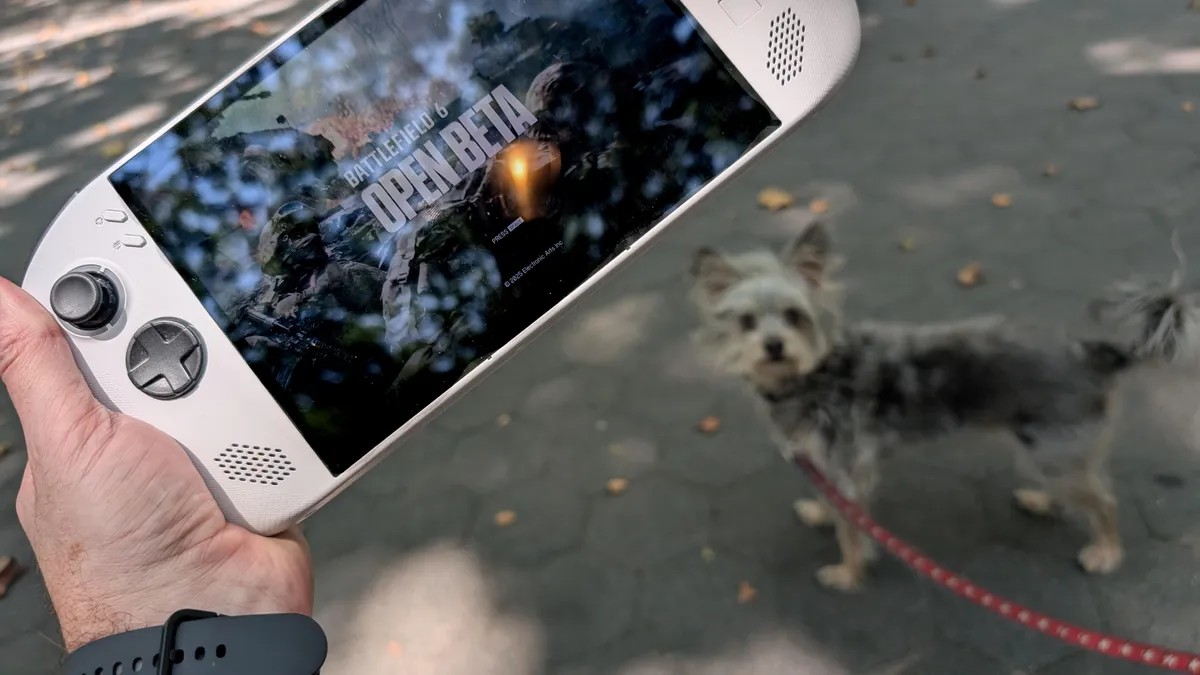
Battlefield 6, the latest installment in the popular first-person shooter series, has launched with relative stability compared to past releases. However, its system requirements remain demanding, posing a challenge for players using less powerful hardware, including Windows-based handhelds like the Legion Go S. While not designed for these devices, playability is possible with careful optimization.
System Requirements and Real-World Performance
Electronic Arts (EA) lists the following minimum specifications for Battlefield 6:
- Operating System: Windows 10
- Processor: AMD Ryzen 5 2600 or Intel Core i5-8400
- Memory: 16GB RAM
- Graphics: AMD Radeon RX 5600 XT 6GB, Nvidia RTX 2060, or Intel Arc A380
- DirectX: DirectX 12
- Connection: Always-on online connection required
- Storage: 55GB available space
These specs highlight a key limitation for handheld users: the mandatory online connection. The campaign and multiplayer modes both require an internet connection, precluding offline play on public transit or during flights.
Testing on hardware such as a desktop with an Intel i7-14600K CPU, an Nvidia RTX 4070 Super GPU, and 32GB of RAM has shown that even high-end systems struggle with large-scale modes like Conquest and Breakthrough. Lag and “rubber banding” (character movement inconsistencies) can occur on demanding maps like Liberation Peak.
Optimizing for Handhelds: Graphics Settings
The biggest performance bottleneck on handhelds is graphics processing. To improve frame rates, the following settings adjustments are recommended:
- Graphics Quality: Set to Low. The difference between Low and Medium is substantial, making Low the most effective option.
- Motion Blur: Disable Weapon Motion Blur, World Motion Blur, and Camera Shake Amount. These effects disproportionately impact performance on smaller screens and weaker hardware.
- Post-Processing: Turn off Reduce Sprint Camera Bobbing, Chromatic Aberration, Vignette, and Film Grain. These visual features provide minimal gameplay benefit while consuming resources.
Mode-Specific Performance
Battlefield 6’s larger game modes (Conquest, Breakthrough) are impractical on handhelds due to performance limitations. The most viable option is to stick to smaller modes like deathmatch or the campaign.
The campaign, with its more linear design, runs smoothly on optimized settings. However, deathmatch is hampered by cluttered environments that make enemy identification difficult. The game lacks the clear visual cues (neon dots, nameplates) found in competitors like Call of Duty, increasing frustration for handheld players.
Bottom Line
While Battlefield 6 isn’t ideal for Windows handhelds, the settings tweaks outlined above make the game playable for casual deathmatch sessions or single-player campaign completion. The experience won’t match a high-end PC, but it provides a unique advantage: the ability to play on the go, something Steam Deck users cannot do due to security restrictions.