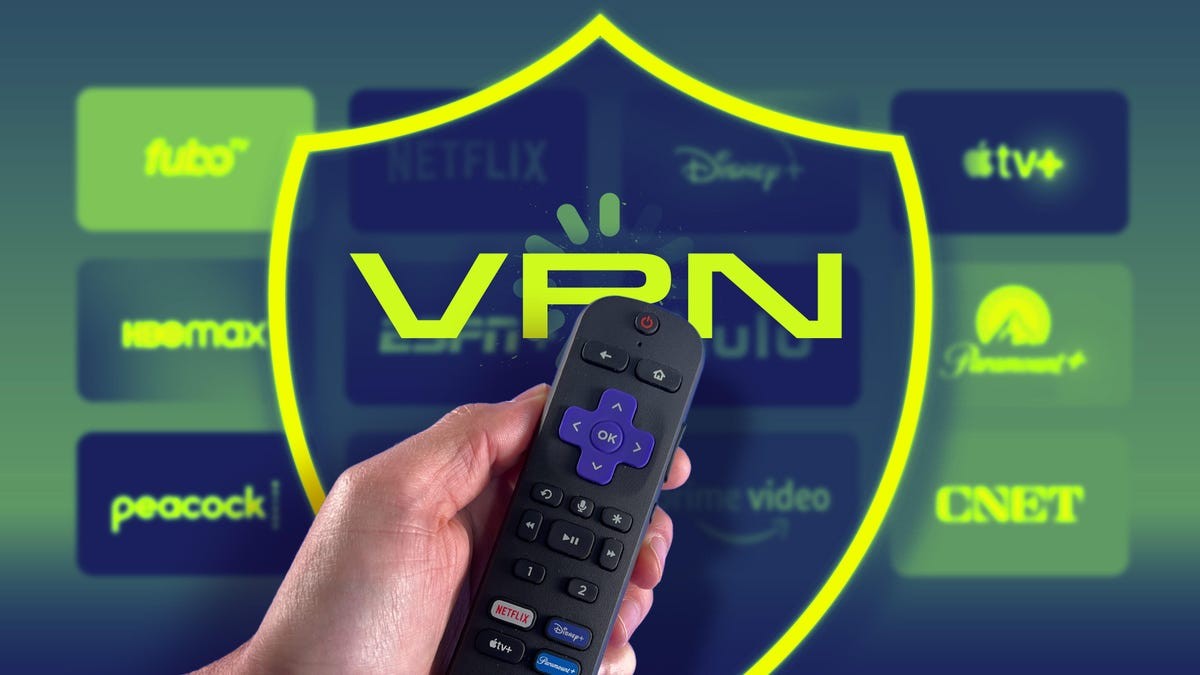
Missing the big game due to geographical restrictions or local blackouts is a frustration many sports fans know all too well. In today’s fragmented streaming landscape, where rights are divided across multiple platforms (Amazon Prime, Netflix, Peacock, ESPN), finding the right service for a specific game is complex. A Virtual Private Network (VPN) provides a simple solution: bypassing these limitations to access the content you’ve already paid for, no matter where you are.
Why Geo-Restrictions Exist
Broadcasters invest heavily in exclusive rights to stream sports in specific regions. The Premier League, NFL, and other major leagues sell these rights separately for different countries. This means if you travel abroad or live in an area with blackout rules, your usual streaming service might block access. Local blackouts, designed to drive ticket sales, prevent you from watching games in your area even if you have a subscription. Some countries even offer free broadcasts of events that others charge for, creating further discrepancies.
How a VPN Works for Sports Streaming
A VPN redirects your internet connection through a server in a location of your choice. This makes it appear as though you’re connecting from that region, granting access to geographically restricted content. For example, if you’re in the UK and want to watch an NFL game exclusively on ESPN+, connecting through a US VPN server will give you access. The best VPNs offer servers in over 100 countries, making location switching seamless.
This is crucial not just for bypassing blackouts but also for maintaining access to your home streaming packages while traveling. It also provides an extra layer of privacy: your ISP can’t track your streaming activity, and potential throttling is avoided.
Step-by-Step Guide: Watch Sports With a VPN
- Choose a Reliable VPN: Not all VPNs are created equal. Top performers for streaming include NordVPN, ExpressVPN, Surfshark, and Proton VPN. Free VPNs often lack the necessary speed and server network to bypass restrictions reliably.
- Install the VPN App: Download and install the VPN app on your device (Android, iOS, Windows, macOS). For devices without native VPN support (Roku, some smart TVs), install it on your router or bridge a connection through a laptop.
- Connect to the Right Server: Select a server in the region where the content is available. For example, connect to a US server for ESPN+ access or a UK server for Premier League streams.
- Clear Cookies/Cache: If you still encounter issues, clear your browser cookies or app cache. Streaming services sometimes store location data that overrides the VPN connection.
- Start Streaming: Open your streaming app or website. If blocked, switch to a different server within the same region; streaming platforms actively block VPN IP addresses.
Potential Issues and Solutions
- GPS Location: Some mobile apps use GPS to verify location, bypassing VPN IP masking. Use a mobile browser instead or choose a VPN with GPS spoofing (Surfshark, Windscribe).
- Buffering: Select the closest server to your actual location for optimal speed. WireGuard protocol is faster than OpenVPN.
- VPN Blocking: If blocked, switch servers repeatedly until you find an unblocked one. Enable VPN obfuscation features (NordVPN’s NordWhisper, Proton VPN’s Stealth) if your network blocks VPN traffic.
Legal Considerations
Using a VPN to bypass geo-restrictions is generally legal, provided you have a legitimate subscription to the streaming service. However, some providers prohibit VPN usage in their terms of service, so review your agreement.
Ultimately, a VPN empowers sports fans to access content without limitations. By following these steps, you can ensure you never miss another game due to arbitrary restrictions.