


Signal is more than just an app on your phone. This is the benchmark for digital privacy.
In a world where data is the new oil, Signal treats your conversations like contraband. Only the sender and recipient can read the message. It’s just them. This is not a marketing slogan. This is the result of strict design and a refusal to monetize user behavior.
Most messaging giants have built their empires on attention and advertising. Signal builds its on silence. The code is open. It has been checked. It is transparent. This is important.
How Signal protects your data
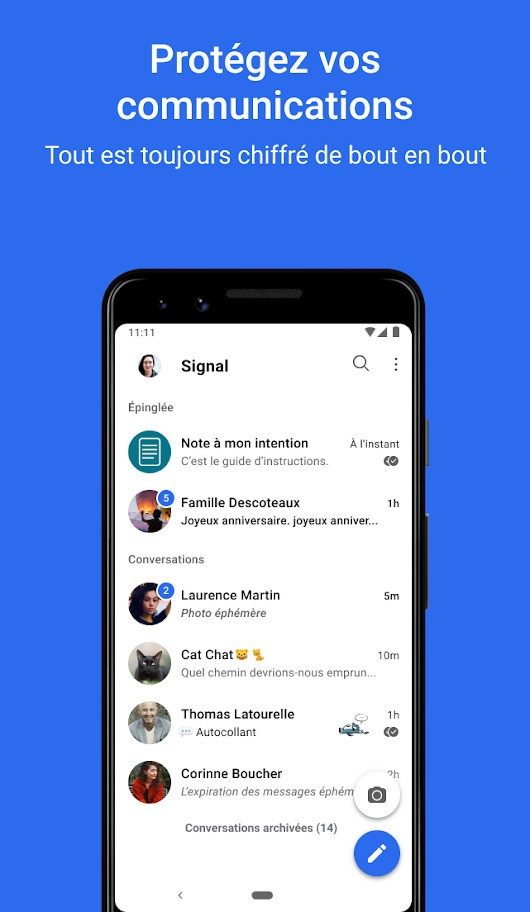
The core strength of Signal is the implementation of end-to-end encryption.
This means your messages will remain encrypted on your device. via an unreadable server. It reaches the recipient’s device and is decrypted there. The middleman? Blind.
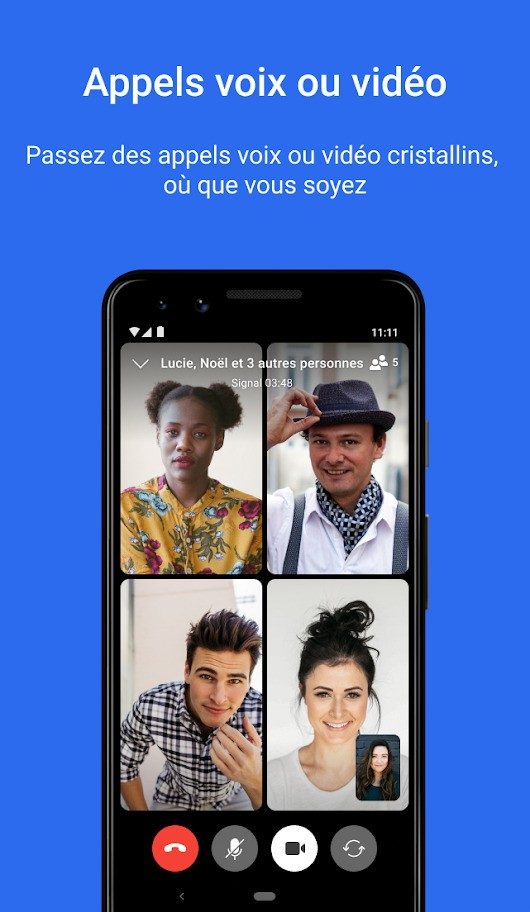
This protective layer covers everything. Text. Voice calls. video call. Files. All communications are strictly confidential.
“Signal does not use your data to create advertising profiles or monetize user activity.”
Unlike competitors, Signal does not scan your messages for keywords to show ads. It does not build a profile of your interests based on who you talk to. The business model is different. It is based on grants and donations. This removes the incentive to spy on you.
Metadata is a bigger threat than many people realize. Who you talk to, when and how often reveals more than the content itself. Signal actively limits the collection of metadata. Contact lists are not stored on the server. It asks for permissions with clear explanations is required. There is no hidden agenda.
That’s why journalists, activists and security professionals trust Signal. This is a tool for those who need discretion. Not just privacy. careful.
Installation Across Platforms
You can use Signal almost anywhere.
The app is free. There are no hidden fees. There is no premium tier that locks in basic security.
Desktop Support:
– Windows (7, 8, 8.1, 10, 11)
-macOS
-Linux
Mobile support:
– android
– iOS (iPhone and iPad)
Getting an application is easy. However, there are some caveats. Remember to download from official sources.
Use the Signal website. Use the Google Play Store. Use the Apple App Store.
Avoid third party websites. Avoid “APK” mirrors that promise a cracked version. Malware is often hidden in hidden download links. Stay on official channels.
Pairing and Setup
Installing Signal on a desktop is a little different than installing it on a mobile device.
Download the executable file. You run it. Then scan the QR code with your mobile phone.
This will link your desktop session to your phone number. It keeps the account tied to a single identity. Synchronization is simplified. But it also maintains to strict safety standards.
On mobile, the process is even simpler. Enter your phone number. You verify it with an SMS code. that’s it.
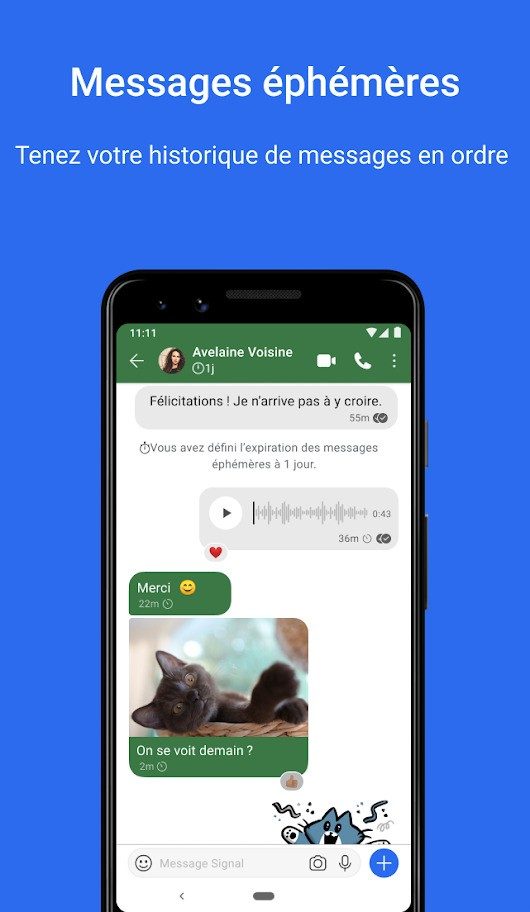
The application is ready to use. Groups. Ephemeral messages. HD video calls. Everything is available from the start.
Updates and version control
Security is not a one-time setup. This is an ongoing process.
Signal publishes updates regularly. These patches fix vulnerabilities. They add features. They harden the encryption protocols.
Most users allow automatic app updates. This is the safest way.
But what if an update breaks compatibility? Or do you have an older device that can’t run the latest version?
In some cases, you may need to roll back. Older versions of Signal exist in the archives. A trusted source maintains these backups.
If you need to download an older version, check the source. Don’t guess. Don’t click random links. Use verified archives only.
The goal is stability. Security. Privacy.
Not all features work the same way on all devices. But the core promise remains the same. Your conversation is only between you and the other person. There is no one else.
Such simplicity is rare. It is also very powerful.

Most people are familiar with Signal’s encryption technology. You may not understand why it is fundamentally different from the apps on your phone. The main differences are not just technical. This is structural.
Signal operates as a non-profit foundation. It does not commercialize user data. It does not sell services. It survives on donations and grants. This is important because it removes the incentive to follow you. Competitors such as WhatsApp, Telegram and Threema are popular but have different models. Signal guarantees that there are no traces of advertising. Even if you are the administrator of your own company, you cannot access the contents of the server. This is a strong line.
How Signal Compares to Other Encrypted Messengers
The comparison to WhatsApp is inevitable. Both use end-to-end encryption. It looks like a tie. This is not true. WhatsApp is owned by a tech giant. Collect more metadata. Signal collects almost none. Signal’s privacy pillars are not an afterthought. It’s the foundation.
Telegram offers a different trade-off. By default, chats are not end-to-end encrypted. To achieve this level of security, you must select “Secret Chat”. This is an additional step. Many users missed it.
Other apps like Messenger and Viber offer encryption options. However, their privacy policy is more relaxed. These features are designed to be integrated into business services. Signal refuses that path. No ads. No subscriptions. No premium tiers. Everyone gets the same security. Period.
This is where Signal encryption protocol get interesting. It’s open. It’s recognized. Many other messengers borrowed or adapted it. This proves its reliability. If you believe in the technology behind smart minds in security, you should take a look.
Why Signal’s pricing model changes everything
Let’s talk about costs. Signal is free. It’s not “freemium”. It is not “free with ads”. Just free. There are no paid licenses. There is no premium account. There are no special publications intended for companies or students. All features are available to everyone.
This democratizes secure communication. There are no hidden fees. There are no barriers to access. You don’t get a worse experience if you’re on the free tier. Everyone has the same protection. This is unusual in software.
Some may ask, “How can we survive without a business model?” Donations. And the commitment to being an open-source tool. The purpose is not to increase profits. It’s about maintaining trust. When you start invoicing, the priority of the payer is determined. Signal doesn’t do that.
Ease of use, compatibility and user support
Signal runs on almost everything. Android. iOS. Windows. macOS. Linux. It’s designed to be accessible regardless of your device. The user interface is very clean. It does not require you to be a technical expert. Anyone can use it.
There is no official certification program. There is no paid training. But the documentation is there. The official website has detailed instructions. Third-party websites provide tutorials. Learn how to configure advanced privacy settings. You can learn how to use disappearing messages. If you want to dig deeper, the resources are there.
There will be updates regularly. Fix security holes. Improves performance. You can easily download the latest version. From official websites. Or from a reliable software repository. The important thing is that it’s easy to stay up to date.
The Real Value of Choosing Signal
Downloading Signal is more than just installing the app. It’s about control. It’s about rejecting a model that treats conversations as products. It means valuing privacy in an age of surveillance capitalism.
Does this mean you will never use WhatsApp again? Probably not. But it means you have a tool that doesn’t want to own you. This is a big difference. In an environment full of information brokers, Signal is one of the few places left that doesn’t care what you say. As long as you update the app, your words stay yours.
The question is, are you willing to take a few more steps to make the switch? Or if you want to trust the giants with your metadata. The choice is yours. The technology is ready.
Signal is more than just a chat app. It’s a protocol-first privacy tool. Before installing it, you need to understand how it works under the hood. This affects security, workflow and suitability for your installation.
The core of Signal is the Signal Protocol. It is open source. It’s audited. By default, it is used for everything: texts, calls, files, images, videos. End-to-end encryption is not an option. This is the starting point.
System requirements and installation sources
Signal runs on almost everything. But not everywhere equally.
On desktop, you need 64-bit architecture. Windows 7 through 11 work. macOS is supported. Linux works too. Mobile? Android and iOS (iPhone/iPad) are the main platforms. Internally, it is optimized for ARM and ARM64 in mobile phones.
You must use your phone number to register. The signature confirms this with a text message or phone call. You cannot use your email address instead. This is a design choice, not a bug. It ties your identity to your communication line. However, it also means that you can hide that number from your contacts if you want.
Where do you get it? Official sources only. Signal website. App stores. Or a trusted third-party repository like Futura Software Repository. Downloading from random sites is risky. You could get a modified version. This breaks the security model. Stick to official channels.
Privacy architecture and metadata
What sets Signal apart is that the collection of metadata is minimal. Most apps keep track of who you talk to, when you talk, and for how long. Signal minimizes this to an absolute minimum. No ads. No profiling. No selling your data.
The Signal Foundation funds the project through donations. It’s a non-profit. This removes the incentive to monetize user data. The code is open source. Anyone can inspect it. This is a big deal in an industry full of black boxes.
Contacts are stored locally on your device. Your address book isn’t uploaded to a server. Discovery is private. You don’t get a public directory of users. You can only search for people whose numbers have been shared with you or directly.
Encryption and key management
Every message is encrypted. End-to-end. The encryption keys never leave your device. These are stored in encrypted form on the hardware itself. It’s not on Signal’s servers. Not in the cloud. Even if your device is confiscated, your data will remain protected with a password or biometric data.
QR code pairing is used to synchronize multiple devices. Mobile phones are the most important devices. Computers and tablets are linked clients. The phone has a master key. It’s safe. But there are limits. If you lose your phone, you won’t be able to use it without a backup.
Backup is a weak point. No local cloud backup. Android allows you to create encrypted local backups. iOS requires direct transfer between devices. This is not a fault. This is a design decision to prevent messages from being stored centrally. However, this is inconvenient.
Features and limitations
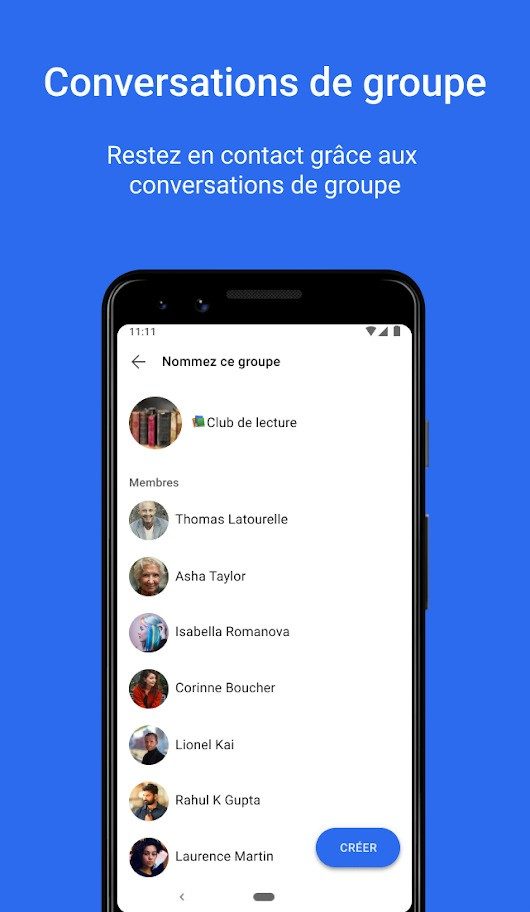
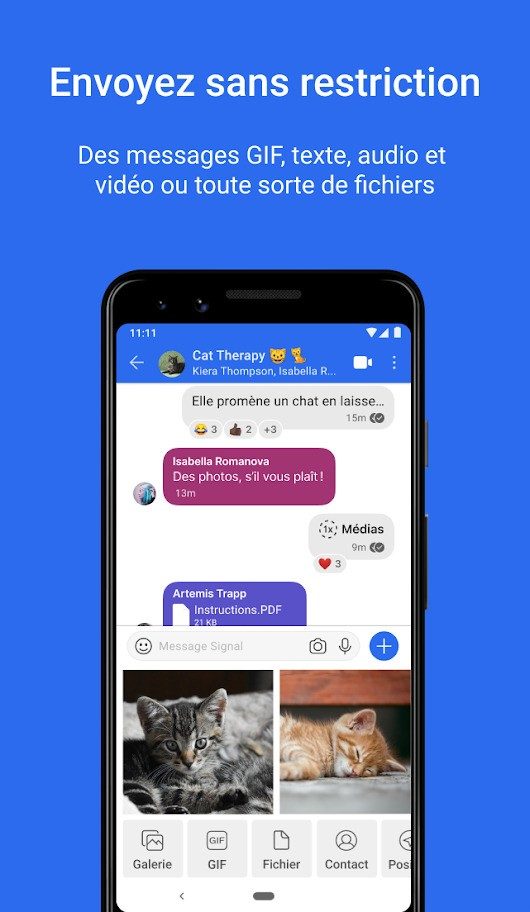
Signal has a solid functionality base. information. document. photo. video. voice and video calls. Group discussion. Self-destructing timing message. Newly added features include stories, which allow you to share updates with your contacts. It is very beautiful. It is very fast. The user interface is clean and neat.
But that doesn’t apply to everyone. There are no public APIs. Robots don’t exist. There are no open channels. If you’re looking for enterprise integration or custom workflows, you’re in for a tough time. Ecosystems are closed. This is good for privacy. Not suitable for flexibility.
Call forwarding blocks IP addresses. Agent support is helpful in the review area. These are technical guarantees. These work, but add complexity. You may need to configure it manually.
Who should use the signal?
The sign is for people who prioritize privacy over comfort. If you want seamless cloud backup, bot integration, or public channels, look elsewhere. If you want strong encryption, minimal metadata, and a non-profit model, Signal is unbeatable.
Suitable for both personal and professional use. There is no advanced level. No paywall. It is a really safe and free tool. But you have to accept its limitations. Phone number registration. No cloud backup. A closed ecosystem.
The alternative is clear. You sacrifice your comfort for control. In a world where data is currency, this is an important choice. Signal doesn’t just protect your messages. It protects your identity. This should be set.
Hidden costs of “free” services
We need to talk about the fine print. Not legalese that makes your eyes glaze over, but an actual mechanism. If you use “free” software, you are not a customer. You are the product. This is not a new revelation, but the scale has changed. It used to be about targeted advertising. Now it’s about behavioral modeling.
Why is this important to you? Because your digital habits are packaged. sold. Used to train algorithms that predict what you will buy next. Where do these services work? Mostly in the cloud. Your data is not stored on your device. It travels. It will be saved. It is being analyzed.
Which companies do this best? The big ones. They have the infrastructure. The rest are catching up. How? By scraping. Through monitoring. By creating profiles that are more detailed than your own self-knowledge.
The compromise is convenience for privacy. A fair trade? Perhaps. But know what you’re dealing with.
Information security risks in open source code
Open source sounds noble. Transparent. Supported by the community. And that’s it. But that’s also the goal. When the code is public, its errors are also public. The bad guys are scanning the archives. They look for vulnerabilities. They exploit them before the patches are ready.
How can you stay safe? Update regularly. Audit your dependencies. Find out what libraries you use. Even one outdated package can compromise your entire system. Why? Because attacks on the supply chain are real. They won’t hack your firewall. They hack your tools.
Where did this start? With widely used frameworks. One breach. One compromised update. And suddenly thousands of systems are at risk. It’s a chain reaction. Hard to stop.
The future of technology in 2024
What next? AI is everywhere. But is it good? It depends. How to use it. About who controls it. To the data behind it. We are moving towards a world where decisions are automated. From hiring. To lending. For healthcare.
Which industries will change first? Those with large amounts of data. Finance. Tech. But the ripple effect goes further. Supply chain. Logistics. Even art.
How does this affect you? Less human interaction. More algorithmic filtering. Efficiency increases. Creativity can suffer from this. Or develop it further. Who knows?
The tools are effective. Also dangerous. Use them wisely. Question the results. Verify the inputs. Don’t just click. Think.
Technology is a mirror. It reflects our prejudices. Our desires. Our flaws.
Final thoughts on digital literacy
It’s not about being an expert. It’s about awareness. For what you share. About what you click. About what you trust. The Internet is a tool. Not a master.
Stay curious. Stay skeptical. That’s the best defense.


