Most keyboard apps want your data. Fleksy doesn’t.
It sits quietly on your Android or iOS device, offering a surprisingly robust alternative to the default options without demanding a subscription for basic features. The core promise is simple: faster typing, total customization, and zero tracking of your personal input. In an era where every keystroke feels like a potential data breach, that last point matters more than the sleek themes or gesture controls.
The interface is clean. The predictive engine works hard behind the scenes to reduce typos. But the real differentiator is the privacy-first architecture. Fleksy collects nothing from your typing sessions. No usage statistics sold to advertisers. No personal dictionary data harvested for profit. It’s a stark contrast to the industry standard, making it a compelling choice for security-conscious users who still want speed.
Why Privacy Matters in Virtual Keyboards
You might wonder why a keyboard needs to know what you type. For many popular alternatives, the answer is personalization. They learn your slang, your frequency of words, and your habits to serve targeted ads or refine algorithms that benefit third-party data brokers.
Fleksy flips this model. By refusing to collect input data, it positions itself as a secure tool for everyday communication. This is particularly relevant for users of messaging apps and social media platforms where sensitive information is exchanged daily. The lack of data collection isn’t a limitation of technology; it’s a deliberate design choice.
“Fleksy makes the choice not to collect any personal typing or usage data, making it particularly attractive for users concerned about privacy protection.”
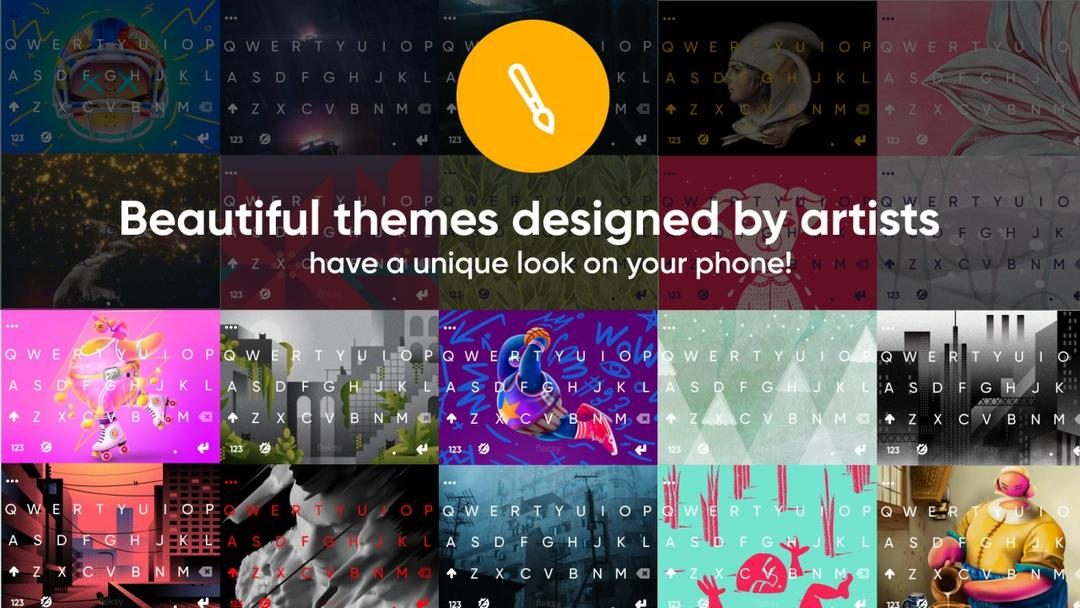
This approach appeals to those tired of the “free app, paid data” exchange. The base version is entirely free, with optional in-app purchases only for cosmetic upgrades like new themes. The functionality remains intact without a paywall, a rarity in the crowded mobile software market.
Installation and Compatibility: Mobile-Only Focus
Getting started is straightforward. Head to the Google Play Store or Apple’s App Store. Download. Install. Accept permissions. It’s the same flow as any other utility app.
However, there’s a catch for desktop users. Fleksy is exclusively for mobile environments. There is no native version for Windows, macOS, or Linux. No browser extensions either. The developers have opted to focus their resources on optimizing touch gestures and predictive text for smartphones and tablets.
This limitation might frustrate power users who want a unified keyboard experience across all their devices. But for most people, who primarily type on phones, it’s a non-issue. If you do need to sync common phrases or themes between devices, you can do so through a user account, provided you’re sticking to compatible mobile hardware.
Customization Without Compromise
Once installed, the setup is intuitive. Even users unfamiliar with advanced settings can configure the app within minutes. The activation process is buried in your system settings, where you select Fleksy as your primary input method.
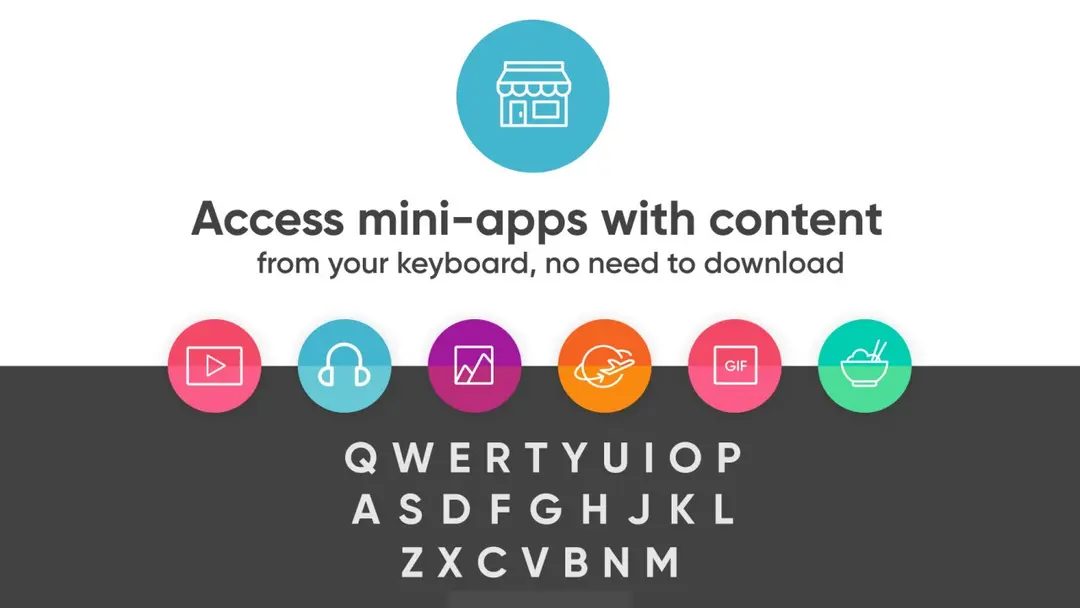
From there, the customization options open up. You can manage multiple languages simultaneously without switching dictionaries. This is useful for bilingual users who code-switch frequently. The keyboard supports integrated GIFs, stickers, and custom shortcuts through extensions.
The predictive text engine is aggressive in its helpfulness. It learns context through local processing, not cloud uploads. This means the suggestions get better over time without sending your conversation history off-device.
Updates and Long-Term Stability
Software rot is real. Apps stagnate. Fleksy avoids this with regular updates. These patches improve performance, fix bugs, and enhance security. You can enable automatic updates, or manually trigger them through your app manager.
For those paranoid about new updates breaking old habits, older versions are occasionally available. Official archives exist, though caution is advised when downloading from third-party sources. Sticking to the official store is always the safest bet for security.
Is It Worth Switching?
If you’re tired of your keyboard selling your data, Fleksy offers a clean escape. It’s not just a pretty face with fast typing. It’s a functional, private, and highly customizable tool that respects your digital footprint.
The trade-off? You lose the ecosystem integration that some big-tech keyboards offer. You won’t get AI-generated replies or deep cloud synchronization across every device type. But you gain autonomy.
In a world where attention is the currency, Fleksy asks for none. It just lets you type.
The question remains whether speed and privacy can truly coexist at scale. Fleksy proves they can. But will the broader industry follow suit? Unlikely. The incentives are too entrenched. So for now, the choice is yours.
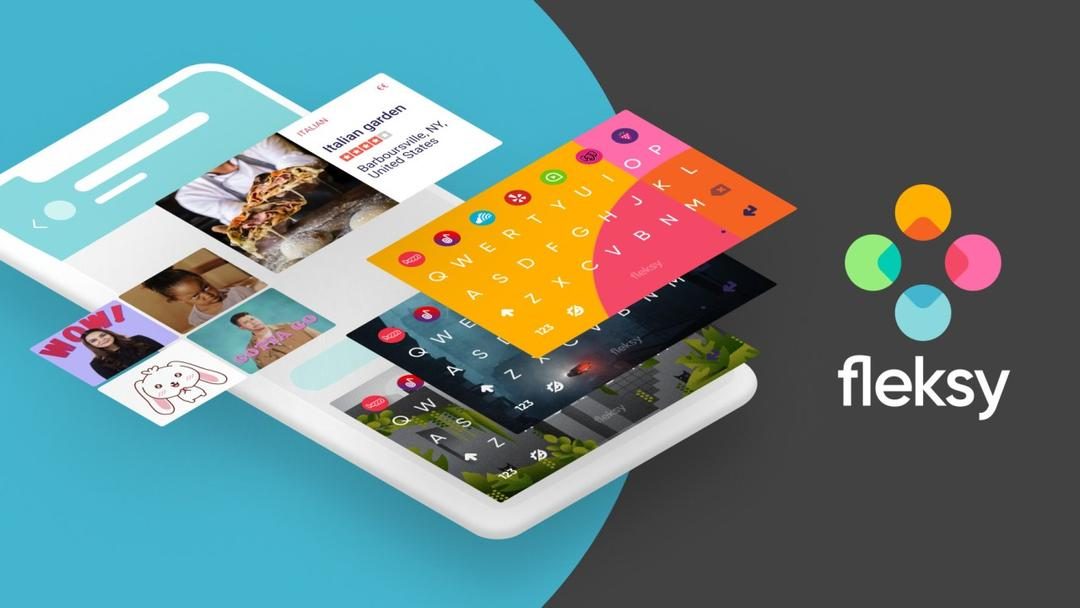
Most virtual keyboards treat your typing data like raw material. Gboard, SwiftKey, and the Apple keyboard integrate tightly with third-party services. They collect data to refine predictive text. Fleksy flips this model. It guarantees that entered text is not stored or analyzed for advertising. It avoids profiling entirely.
This privacy-first approach does not mean sacrificing speed. The prediction engine is fast. Gesture navigation feels intuitive. Swipe right for a space. Swipe left to delete a whole word. After a brief adjustment period, typing speed improves significantly. Productivity gains matter to professionals. They also appeal to casual users.
Multilingual support without the reconfiguration headache
Language switching is a pain point for many keyboard apps. You often have to toggle between profiles or reinstall language packs. Fleksy handles multiple languages in parallel. It requires no constant reconfiguration. This makes it ideal for multilingual users. Students studying abroad benefit. Professionals communicating across borders find it efficient.
The customization goes deeper than standard themes. Fleksy offers modular add-ons. You can integrate a grammar checker. You can load custom emojis. You can create unique shortcuts. This adaptability lets users mold the interface to their habits. It builds loyalty among users who demand control over their digital environment.
The pricing model: Premium features for free?
Cost matters. Many alternative keyboards use a freemium model. Advanced features are locked behind a paywall. Fleksy offers a robust free version. In-app purchases are limited to aesthetics. New backgrounds. Visual tweaks. The essential functions remain free. This stands in stark contrast to competitors who gatekeep predictive accuracy or advanced gestures.
Community-driven development and support
Fleksy is not a static tool. The development team works closely with an international user base. This participatory strategy identifies real needs. Bugs get fixed quickly. New modules align with actual usage patterns. For specific demographics, like students or polyglots, the app offers language packs and advanced settings without extra cost.
Support resources are readily available. Video tutorials exist. Detailed FAQs are updated. Interactive guides help new users. There are no certified courses or degrees for mastering the keyboard. But the community fills that gap. An active forum hosts discussions. Users share tips. They swap custom themes. They debate upcoming features. This crowdsourced knowledge base enhances accessibility and drives product evolution.
Technical support takes the same approach. Official assistance is available via email or social media. Questions about compatibility with recent smartphone models get answered. Security concerns are addressed. Update glitches are resolved quickly. An in-app help section handles most frequent issues independently.
Where is Fleksy heading next?
The roadmap focuses on accessibility and cross-platform integration. Future updates promise new languages. Productivity-focused extensions are in development. Ergonomics will see continuous refinement. The goal is clear: become a reference for privacy-respecting virtual keyboards.
Monitoring official announcements is key. The project is expanding. Early adopters who stay engaged will likely benefit most from these incremental improvements. The market for private, efficient typing tools is growing. Fleksy is positioning itself squarely in that lane.
Whether you stick with the default iOS keyboard or switch to Gboard depends on your tolerance for data sharing. If you prioritize control over convenience, Fleksy offers a compelling alternative. The question is whether you trust big tech with your keystrokes. Or if you prefer a tool that keeps its mouth shut.
How Fleksy Handles Your Data Without the Cloud
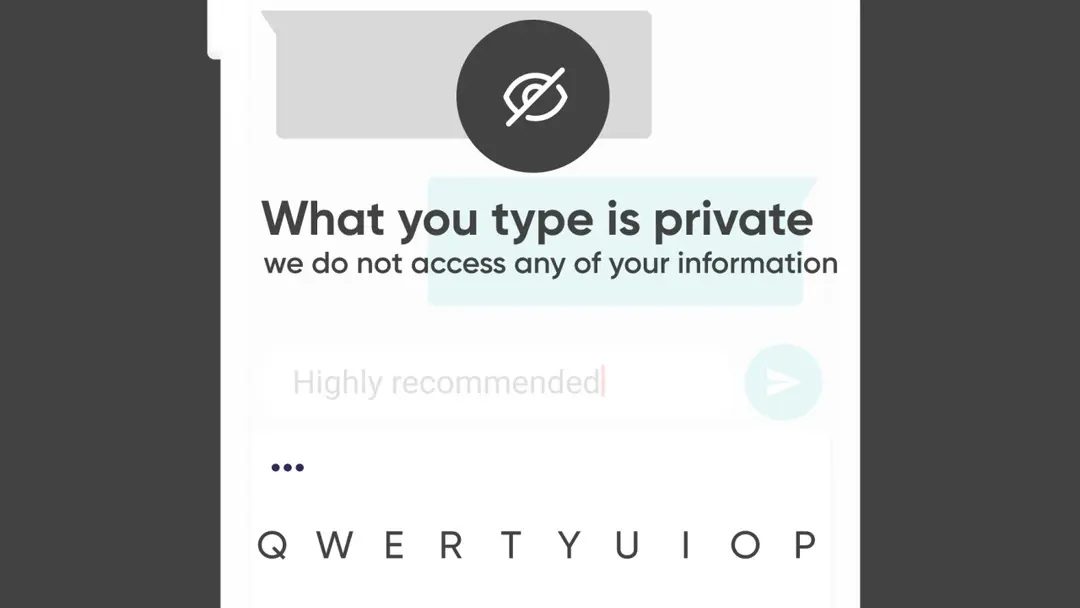
Most keyboards upload your typing habits to build better ads. Fleksy doesn’t do that. It processes input locally on the device. Your keystrokes stay on the phone. This matters if you care about privacy. The software focuses on local prediction. It corrects errors without sending data to a server. You get speed. You keep your secrets.
The model is simple. Download the app. Install it. Type. No complex setup required. It works on Android and iOS. If you have a smartphone or tablet, you are good to go. The bar for hardware is low. You don’t need a flagship device.
Why Offline Typing Still Works
Internet connection is optional for core functions. You can type offline. The dictionary lives on your phone. This means no lag. No dependency on spotty Wi-Fi. If you want updates, themes, or GIFs, then you need a connection. But the typing itself? That works in airplane mode.
This modularity is key. You can strip it down. Use just the basics. Or you can load up on extensions. The choice is yours. The optional packs don’t break the app. They just add flavor. Themes. Stickers. Custom shortcuts. They are nice-to-haves. Not needs.
What You Get for Free
The base app is free. It’s not a trial. You can download it from the Google Play Store or Apple App Store. There are in-app purchases. These are for extra themes or language packs. You aren’t forced to buy them. The core experience remains robust without spending a dime.
Compatibility is broad. It integrates with messengers. Social media apps. Productivity suites. It plays nice with everything. You don’t have to jump through hoops to make it work. Just enable it in settings. Start typing.
Which Features Actually Improve Productivity?
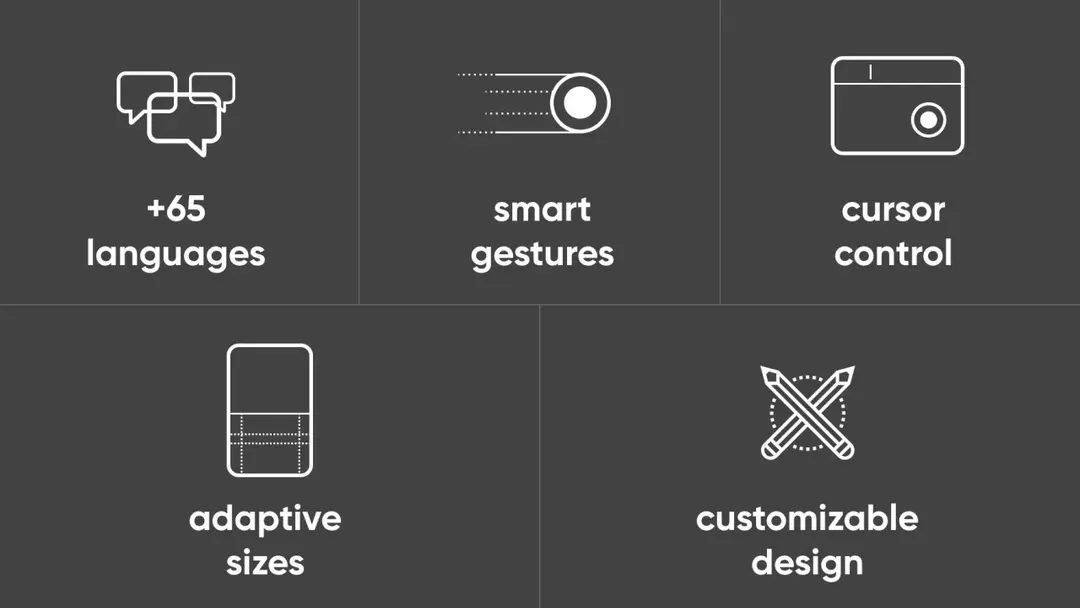
Prediction isn’t just about guessing the next word. It’s about fewer taps. Fleksy offers gesture navigation. Swipe to move. Tap to select. Correction is automatic. It catches typos before you even finish the sentence. Multilingual support lets you switch between languages on the fly. No re-downloading dictionaries.
Permissions are standard. The app needs network access for updates. It needs keyboard activation rights. That’s it. Synchronization is optional. If you want your preferences to follow you across devices, link your account. If not, it doesn’t matter.
Where to Get Help If It Breaks
Sometimes things glitch. That’s technology. Fleksy provides built-in help. There’s a FAQ online. Official support channels exist. You aren’t left guessing. The documentation covers the basics. Installation. Configuration. Troubleshooting.
The category fits into leisure and customization. But the utility is serious. It’s about efficiency. About not losing your data. About a typing experience that feels like it belongs to you, not a corporation.
Choosing a keyboard is rarely just about looks. It’s about trust. Fleksy builds that trust through transparency. Local processing. Clear permissions. No hidden agendas. You know what you’re getting.
Is it perfect? Nothing is. But it’s honest. And in a market full of data brokers, honesty feels like a feature.

Why The New Browser Standard Matters More Than You Think
The shift away from proprietary plugin architectures isn’t just about security patches. It’s about control. For years, the web ran on a fragile mix of NPAPI plugins and early ActiveX controls. They were fast, sure, but they were also security nightmares. One vulnerability in a Flash module could hand an attacker root access. The move to sandboxed, standardized APIs was inevitable. The question is whether we got the implementation right.
Modern browsers like Chrome, Firefox, and Safari have largely abandoned these legacy systems. But the transition left gaps. Developers still need to handle legacy enterprise applications. Users still expect certain functionalities that don’t fit neatly into a element. This is where WebAssembly comes in.
What Is WebAssembly And Why It’s Not JavaScript
WebAssembly, or wasm, is a binary instruction format for a stack-based virtual machine. It’s designed as a portable compilation target for programming languages. You can compile C, C++, Rust, and even Go to run in the browser at near-native speed.
It’s not a replacement for JavaScript. JavaScript handles the DOM, the event loop, and the high-level logic. WebAssembly handles the heavy lifting. Think of it as a library that your browser can load and execute. It runs in a sandbox. It doesn’t have direct access to the DOM unless explicitly given a handle. This isolation is key.
“WebAssembly allows complex applications to run in the browser with performance close to native code, without compromising the web’s security model.”
The Technical Underpinnings Of Wasm
Unlike JavaScript, which is interpreted or JIT-compiled from text, WebAssembly is a binary format. This makes it faster to parse and execute. The binary structure is compact. It reduces download times. It also makes reverse-engineering slightly harder, though not impossible.
The module system in WebAssembly is strict. Imports and exports are explicitly defined. There’s no global namespace pollution. This mirrors how native static linking works. You link a library. You call its functions. The browser manages the memory.
Memory management in Wasm is linear. It uses a single heap. Developers manage this heap explicitly in languages like C or Rust. JavaScript developers don’t see this memory directly. The browser’s garbage collector handles the JS side. The Wasm side is separate. Interop between the two happens through shared memory or by passing data back and forth.
Performance Benchmarks And Real-World Use
Why does speed matter? For video editing in the browser. For CAD tools. For complex simulations.
Take GIMP, the GNU Image Manipulation Program. Porting it to WebAssembly allows you to edit high-resolution images in Chrome without installing software. The performance gain over a pure JavaScript port is significant. We’re talking about 10x to 100x speedups for compute-heavy tasks.
Games are another big use case. Unity and Unreal Engine both support exporting to WebAssembly. This means AAA-quality graphics can run in a tab. Latency is still a concern for multiplayer games, but for single-player or local multiplayer, the experience is becoming indistinguishable from a native app.
Security Implications And Sandboxing
The sandbox is the core feature. Wasm code cannot access the file system directly. It cannot read cookies. It cannot talk to the network unless the JavaScript layer initiates a